浏览采访片段Browsing the Interview Clips
7 steps
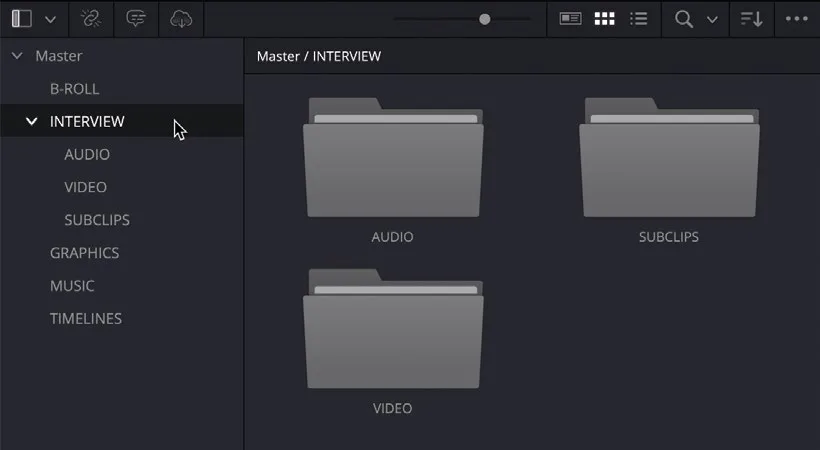
- 在 bin 列表中选择 INTERVIEW bin。In the bin list, select the INTERVIEW bin.
该 bin 包含三个子 bin:This bin contains three additional bins:
— VIDEO:存放 Chris Lang 采访的全部视频片段,是后续步骤的核心素材。— AUDIO:存放单独录制的采访音频(常见制作流程),剪辑助理已将其与视频同步,目前无需操作。— SUBCLIPS:存放采访主片段的子剪辑(subclips),同样由剪辑助理预先创建,方便处理长片段。— VIDEO This bin contains all the Chris Lang interview clips that you’ll need to tell the story of Organ Mountain Outfitters and will be the focus for your work over the next steps. — AUDIO This bin contains the audio clips for the interview that were recorded separately—a common production practice. The audio has already been synced with the interview clips by your edit assistant, so you don’t need to work with this bin for now. — SUBCLIPS This bin contains a series of subclips of the main interview clips which, again, have been created by the edit assistant to help make working with the long interview clips easier.
NOTE · 注意
音频与视频的同步方法以及创建子剪辑的操作将在第 7 课讲解。You’ll learn how to sync audio and video clips and create subclips in Lesson 7.
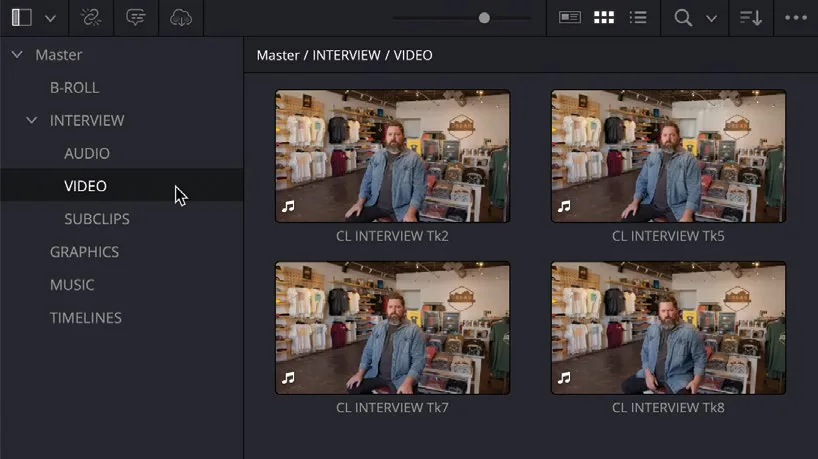
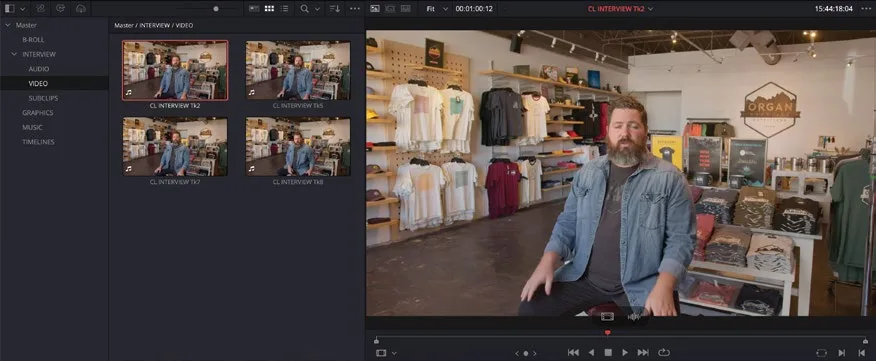
- 选择 VIDEO bin,展开全部采访片段。Select the VIDEO bin to reveal the full set of interview clips.
TIP · 提示
如有必要,将 Media Pool 顶部的滑块向右拖动以放大缩略图,便于查看片段名称。If necessary, move the slider at the top of the media pool to the right to increase the size of the thumbnails, making it easier to view the clip name.
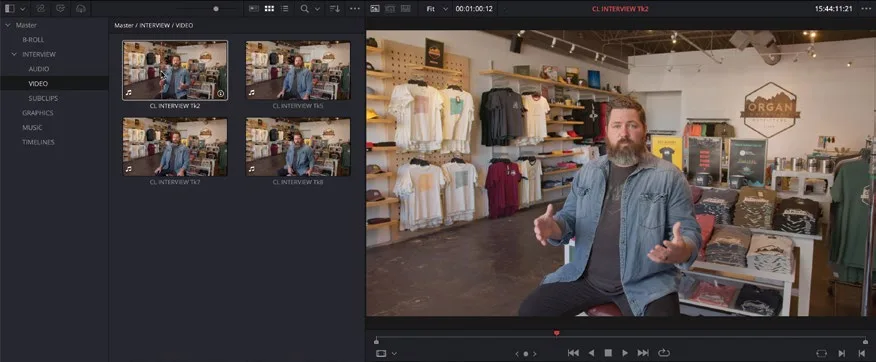
- 将鼠标指针悬停在 VIDEO bin 中的第一个片段上,并左右移动。Place your mouse pointer over the first clip in the VIDEO bin and move it left and right.
鼠标在片段上移动时,采访内容会在 source viewer 中实时预览。As your mouse pointer moves across the clip, the interview is previewed live in the source viewer.
TIP · 提示
如需关闭音频 scrubbing,选择 Timeline > Audio Scrubbing,或按快捷键 Shift-S。You can disable audio scrubbing by choosing Timeline > Audio Scrubbing or pressing Shift-S.
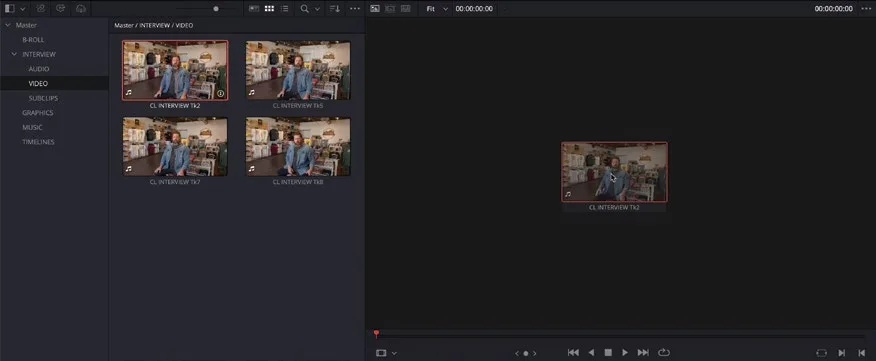
- 选中该片段并拖入 source viewer。Select the clip and drag it to the source viewer.
片段会在 source viewer 中打开,停在 Live Preview 最后显示的那一帧。This opens the clip in the source viewer at the frame that was last displayed during Live Preview.
NOTE · 注意
在 Media Pool 中实时预览片段非常方便,尤其当片段数量很多时。它能让你快速但临时地在 source viewer 中查看片段内容。但如果你需要更仔细地查看片段,或者挑选其中的部分素材编辑到时间线上,建议在 source viewer 中打开片段(双击片段或拖到 source viewer)。Live previewing clips is very handy for quickly seeing the content of clips in the media pool, especially if there are a lot of clips. This process quickly but temporarily allows you to view the clip in the source viewer. However, when you want to spend more time viewing a clip or choosing parts of it to edit into the timeline, it’s better to open the clip in the source viewer by double-clicking it or dragging it to the source viewer.
- 在 source viewer 的 transport controls 中,点击 Go To First Frame 按钮,将播放头移回片段起点。In the source viewer’s transport controls, click the Go To First Frame button to move the playhead back to the start of the clip.
TIP · 提示
按 Home 键将播放头移至片段首帧,按 End 键移至末帧。如果使用笔记本或其他没有独立 Home/End 键的键盘,通常可以用 fn-Left Arrow 代替 Home,fn-Right Arrow 代替 End。Press Home to move the playhead to the first frame of a clip or press End to move to the last frame. If you are working on a laptop or other keyboard without dedicated Home and End keys, you can often use fn-Left Arrow for Home and fn-Right Arrow for End.
- 在 source viewer 的 transport controls 中,点击
Play按钮,从片段起点开始播放。In the source viewer’s transport controls, click thePlaybutton to begin playing the clip from the start. - 在 source viewer 中播放时收听采访内容。Listen to the interview as it plays in the source viewer.
TIP · 提示
按 Spacebar 开始/停止播放。也可参考本章后面的“Controlling Playback”侧栏。Press the Spacebar to start/stop playback. See also the sidebar “Controlling Playback” later in this chapter.
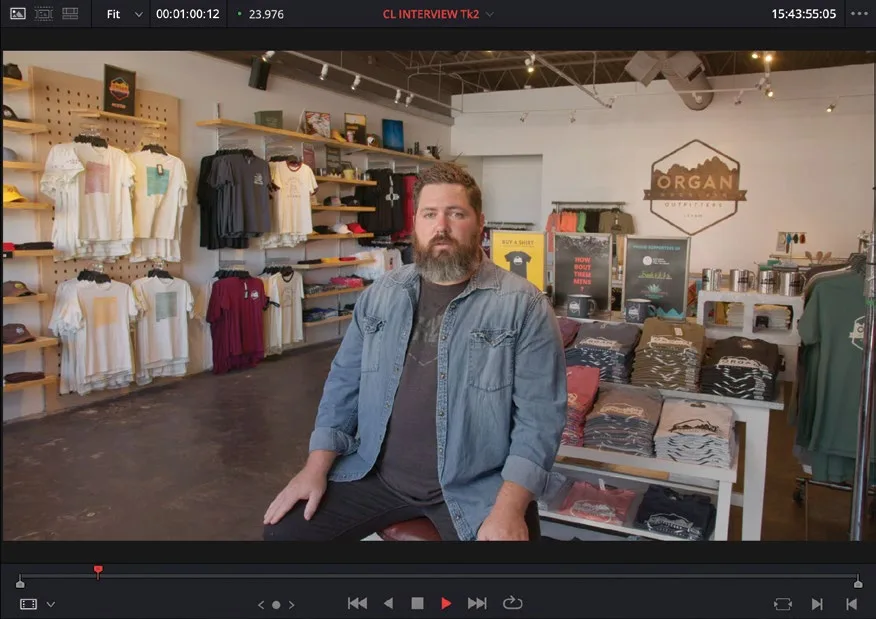
你很快就会发现,这段采访片段相当长,包含了对多个不同问题的回答。显然不能使用整段素材,你只需要其中一小段 soundbite(声音片段)。As you’ll probably realize very quickly, this interview clip is rather long and encompasses several answers to different questions. You certainly wouldn’t want to use this entire clip. Instead, you will use just a small soundbite.
NOTE · 注意
Soundbite 是指一段较长的口播录音中简短、往往令人印象深刻的部分,通常只有几秒钟,以简洁的形式传递信息、观点和论据。在新闻报道和社交媒体推广等场合的采访剪辑中会大量使用,因为它们冲击力强、容易吸引注意。但要谨慎使用,避免曲解发言者原意或过度简化复杂话题。A soundbite is a short, often memorable part of a longer spoken recording. Soundbites are generally only a few seconds long and are chosen as a way of communicating information, ideas, and arguments in a concise format. They are used a lot when editing interviews for news broadcasts and social media promos, for example, because they are often impactful and attention-grabbing. But they should be used carefully so as not to misrepresent the person speaking or oversimplify complex subjects.
本卡术语Terms in this card
媒体夹Bin 媒体池Media Pool 声音片段Soundbite 源检视器Source Viewer 子片段Subclips 时间线Timeline 播放头Playhead 帧Frame