色深 · 色彩精度Bit depth · Colour precision
学习目标LEARNING OBJECTIVES
学完你能说清色深管什么——明暗被切成多少级台阶——以及色带(banding)是从哪来的。
概念说明CONCEPTS
每个通道用多少位记录亮度:明暗被切成多少级台阶。
- 8bit——每通道 256 级:交付够用,但一拉曲线就容易出断层
- 10bit——每通道 1024 级:调色的实用起点,渐变顶得住
- 12bit——每通道 4096 级:摄影机 RAW 的富余空间,给强调整留量
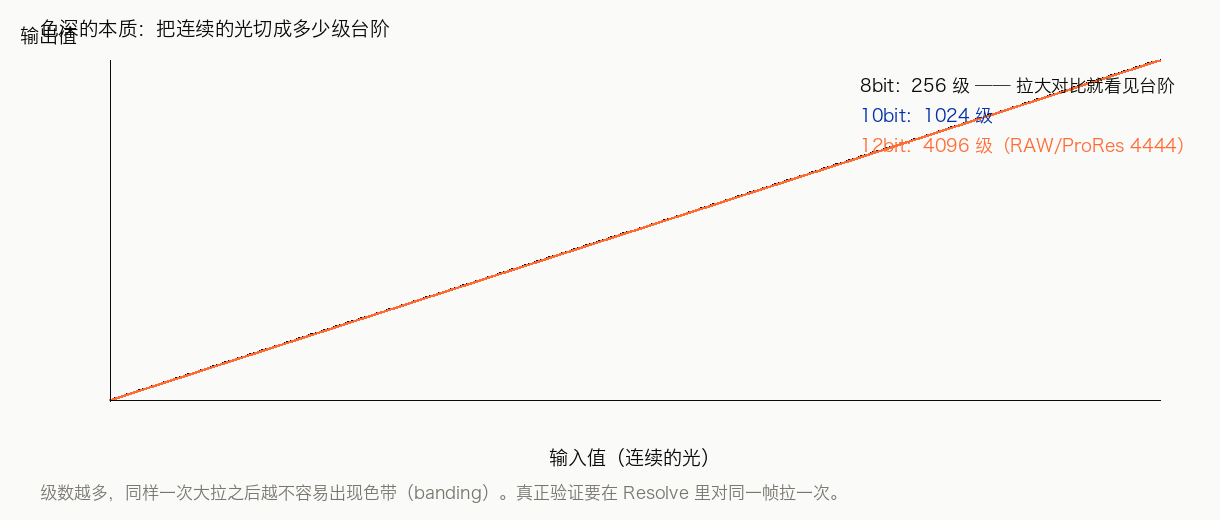
256 / 1024 / 4096 级。
五个方向合起来看:▶ 五维图交互演示(按 1/2/3/4 切换四种素材)。
操作步骤STEPS
- 找一片渐变——天空、墙面都行
- 狠拉对比度和暗部
- 出现一圈圈色带,就是位深不够
- 中间环节(剪辑、调色)保持 10bit 以上
练习PRACTICE
动手任务
对同一画面分别建 8bit 与 10bit 项目,拉同样的曲线,对比色带。
自检清单
做完任务后逐条自查,全部能打勾才算过。 做完任务后逐条自查,全部能打勾才算过。
常见问题FAQ
反正导出就是 8bit,中间也用 8bit 就行?
中间环节用高位深,正是给调整留的余量;到导出才降,颜色已经定型。
色带是调坏了吗?
不是——是台阶被拉大了。
Learning Objectives学习目标
After this card you can say what bit depth controls — how many steps brightness is cut into — and where banding comes from.
Concepts概念说明
How many bits per channel record brightness: how many steps the continuous range of light and dark gets cut into.
- 8-bit — 256 levels per channel: fine for delivery, but a curve pull easily bands
- 10-bit — 1,024 levels: the practical starting point for grading; gradients hold up
- 12-bit — 4,096 levels: cinema-RAW headroom, room for heavy grades
256 / 1024 / 4096 levels.
All five axes together: ▶ the five-axis interactive chart (press 1/2/3/4).
Steps操作步骤
- Find a gradient — sky or a wall
- Pull contrast and shadows hard
- Rings of banding mean not enough bit depth
- Keep 10-bit or higher through editing and grading
Practice练习
Hands-on task
Grade the same shot in an 8-bit and a 10-bit project with the same curve, compare the banding.
Self-check
Work through the task, then tick every line; all checked means you own this card. Work through the task, then tick every line; all checked means you own this card.
FAQ常见问题
It exports as 8-bit anyway, so is 8-bit in the middle fine?
Working at a higher bit depth in the middle is exactly the headroom for adjustments; at export the look is already baked.
Is banding a grading mistake?
No — the steps got stretched apart.
本卡术语Terms in this card
导出Export 对比度Contrast 曲线Curves 调色Grade 位深Bit Depth PNGPNG RAWRAW