TASK 2Task 2
整理自定义BinOrganize Custom Bins
3 steps
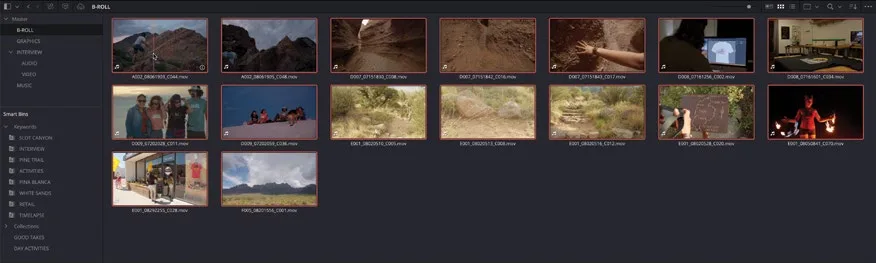
- 右键点击 Good Takes smart bin,选择 Add Folder。Right-click the Good Takes smart bin and choose Add Folder.
- 选中 Folder 1,重命名为 MY SMART BINS。Select Folder 1 and rename it MY SMART BINS.
- 将 Good Takes 和 Day Activities 这两个 smart bin 拖入 Custom Smart Bins 文件夹。Drag the Good Takes and Day Activities smart bins into the Custom Smart Bins folder.
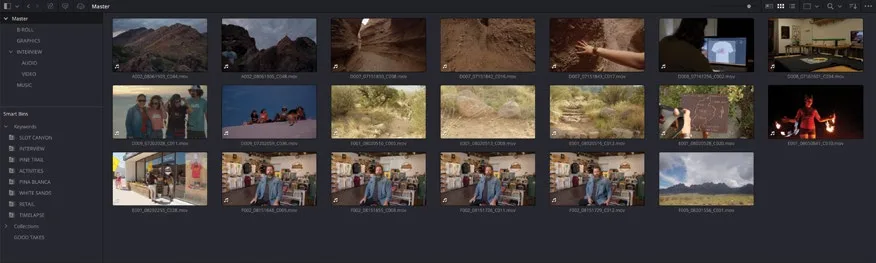
相信你现在对 DaVinci Resolve 中 smart bin 的整理能力有了更深的认识。Smart bin 可以基于几乎任何一项或多项 metadata 来筛选结果,比如查找特定分辨率、特定拍摄日期,甚至是存放在某块硬盘上的素材。使用 smart bin 的唯一限制就是你的想象力。Hopefully, you now have a much greater appreciation of the organizational power of smart bins in DaVinci Resolve. Smart bins can be used to return results based on just about any piece or combination of metadata you can find. This could be to find footage at a certain resolution, footage shot on a particular date, or even footage stored on a certain hard drive! The only limit to working with smart bins is your imagination.